
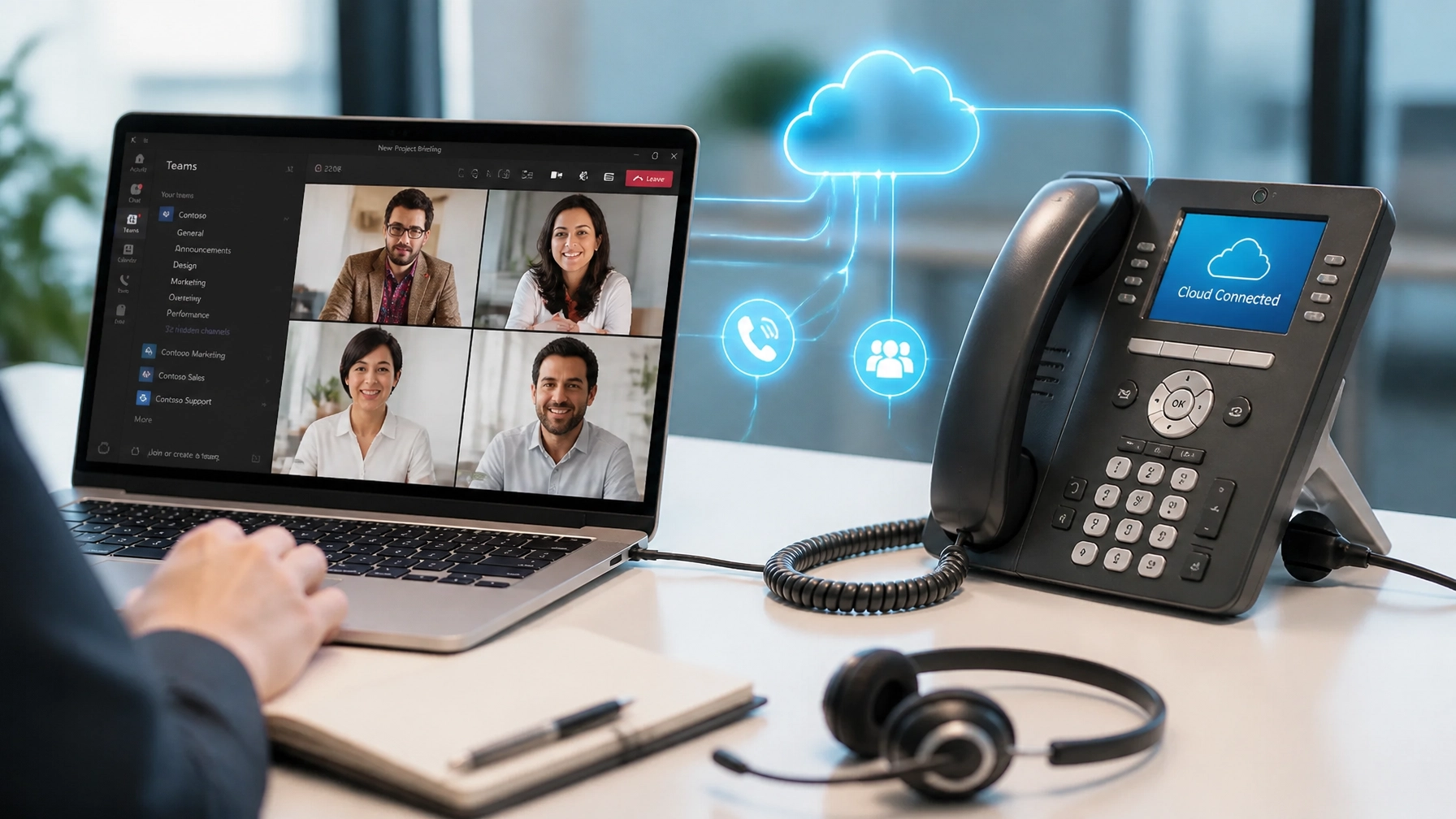
Communication is the lifeblood of your business. However, for many modern enterprises, that lifeblood is currently flowing through two separate, disconnected heartbeats: your Microsoft Teams environment and your traditional business phone system.
If your team is constantly switching between a chat window and a physical desk phone: or worse, juggling a separate mobile app just to make an external call: you are losing productivity every single minute. It is time to bridge the gap.
Integrating your cloud phone system with Microsoft Teams isn't just a technical upgrade; it is a strategic move to unify your communications, slash overhead, and empower your workforce to work from anywhere. Discover how IS-Talk transforms Microsoft Teams into a full-scale enterprise phone system that never becomes obsolete.
Stop Juggling Apps: The Case for Unified Communication
In a high-growth business environment, friction is the enemy. When your internal collaboration happens on Teams but your external client calls happen on a legacy PBX, you create a "communication silo." These silos lead to missed messages, dropped calls, and a disjointed customer experience.
By integrating your cloud phone system with Teams, you eliminate the friction. You consolidate your voice, video, chat, and file sharing into a single, reliable pane of glass.
Key Benefits of Integration:
- One Platform, One Experience: Make and receive PSTN (public switched telephone network) calls directly within the Teams interface you already use every day.
- Significant Cost Savings: Stop paying for redundant services. Businesses can save up to 40% compared to traditional landlines by moving to a hosted VoIP model that integrates with Teams.
- Absolute Mobility: With our advanced smartphone app, your office phone travels with you. Whether you are on a laptop, tablet, or mobile device, you are always connected.
- No Hidden Fees: Say goodbye to annual license renewals and maintenance costs. Our solution is built for transparency and long-term stability.

Understanding the Essentials: How Integration Works
To the end-user, the integration is invisible. They simply see a "Calls" tab in Microsoft Teams where they can dial any external number. Behind the scenes, however, a sophisticated bridge connects the Microsoft cloud to the global telephony network.
There are two primary ways to achieve this integration: Direct Routing and Operator Connect.
1. Direct Routing: The Ultimate in Flexibility
Direct Routing is the standard for businesses that require maximum control. It uses a Session Border Controller (SBC) to connect Microsoft Teams to your specific cloud PBX provider, like IS-Talk.
Why choose Direct Routing?
- Customization: It supports complex routing rules, contact center integrations, and specialized analog devices (like fax machines or overhead pagers).
- Keep Your Carrier: You maintain your existing phone numbers and carrier relationships without a "big bang" migration.
- Reliability: IS-Talk provides the carrier-grade infrastructure needed to ensure your calls are crystal clear and always available.
2. Operator Connect: Simplified Management
Operator Connect is a more streamlined approach where approved carriers integrate directly with Microsoft’s backend. While simpler to set up for basic needs, it may lack some of the deep customization features that a dedicated hosted VoIP solution provides.

The IS-Talk Advantage: Enterprise Features for Every Desk
Integrating with Teams shouldn't mean sacrificing the professional features your business relies on. When you choose IS-Talk as your integration partner, you gain access to our enterprise-level communication suite.
We don't just "turn on" calling in Teams; we elevate it.
Standard Features Included in Our Integration:
- Voicemail-to-Email: Never miss a message. Your voicemails are transcribed and sent directly to your inbox.
- Multi-Location Connectivity: Link multiple offices under one unified dial plan, regardless of their physical location.
- Auto-Attendants: Create a professional first impression with customizable digital receptionists that route calls efficiently.
- Disaster Recovery: Because our system is cloud-based, your phone system stays online even if your physical office loses power or internet.

5 Critical Steps to Integrate Your System
Ready to modernize? Follow this direct path to a unified Teams environment.
Step 1: Audit Your Current Infrastructure
Identify how many users need external calling and which legacy devices (like lobby phones or conference room hardware) must be retained. Our team can help you evaluate your Experience Convention to ensure a smooth transition.
Step 2: Secure Your Microsoft Licenses
To enable calling in Teams, your users generally need a Microsoft 365 or Office 365 subscription plus a "Teams Phone" standard license. For those on E5 plans, this is often already included.
Step 3: Configure Direct Routing
This is where IS-Talk does the heavy lifting. We connect our secure cloud infrastructure to your Microsoft Teams tenant. We handle the SBC configuration and the complex "handshake" between the two platforms.
Step 4: Port Your Numbers
Don't lose your identity. We manage the process of moving your existing business numbers over to the new system, ensuring zero downtime for your customers.
Step 5: Empower Your Team
Deploy our advanced smartphone app to your remote workers and provide training on the Teams interface. Visit our training video library to see how easy the system is to use.

Future-Proof Your Business Communications
The world of work has changed. A desk phone that only works at a desk is no longer a tool; it’s a tether. By integrating your cloud phone system with Microsoft Teams, you are cutting that tether and giving your business the flexibility it needs to thrive in a remote-friendly world.
At IS-Talk, we ensure your technology never becomes obsolete. Our cloud-based solution is constantly updated with the latest security patches and features, so you can stay focused on growth while we handle the connectivity.
Elevate your business today. Stop settling for disjointed tools and start experiencing the power of a truly unified communication platform.
Stay connected. Stay efficient. Stay ahead.
Contact the IS-Talk team today to schedule a demo and see how easy it is to bring your business phone system into the Microsoft Teams environment.
